PhysicalCount for Limitless POS
A mobile inventory counting and item-management app that works with an existing Limitless POS store database, so staff can scan, count, edit, and print labels anywhere in the store.
Results
- Physical counts happen on the sales floor with a handheld, instead of on paper and retyped at the office.
- Counts and item edits post straight into Limitless POS, so every number is entered once.
- Shelf tags print from the aisle, right after a price changes.
- Reads and writes the store's existing POS database: no migration and no change to the POS.
- Counting keeps working offline, and pending counts sync when the connection returns.
- Prints shelf tags over Bluetooth, the network, serial, or any Windows printer.
- One language, C#, from the Windows service to the Android handheld.
We needed a simple way to perform physical inventory counts without being tied to our POS terminal. This app was exactly what we were looking for! It lets us use any Android or iOS device to scan inventory and complete physical counts, all while integrating seamlessly with Limitless POS. What used to be a cumbersome process is now faster, easier, and far more convenient. It’s made a real difference in how we manage inventory, and we couldn’t be happier with the solution!
The Advannova teamAdvannova, makers of Limitless POS
The problem
Limitless POS keeps its inventory in a local database on the store's back-office PC, and it has no way to count stock or edit items from a handheld on the sales floor. A physical count meant paper, then typing every number back in at the office.
What I built
Two pieces. A small service runs on the POS server and serves the store's data over a secure local web API. A companion app for Android handhelds and Windows lets staff scan, count, edit, and print labels anywhere in the store.
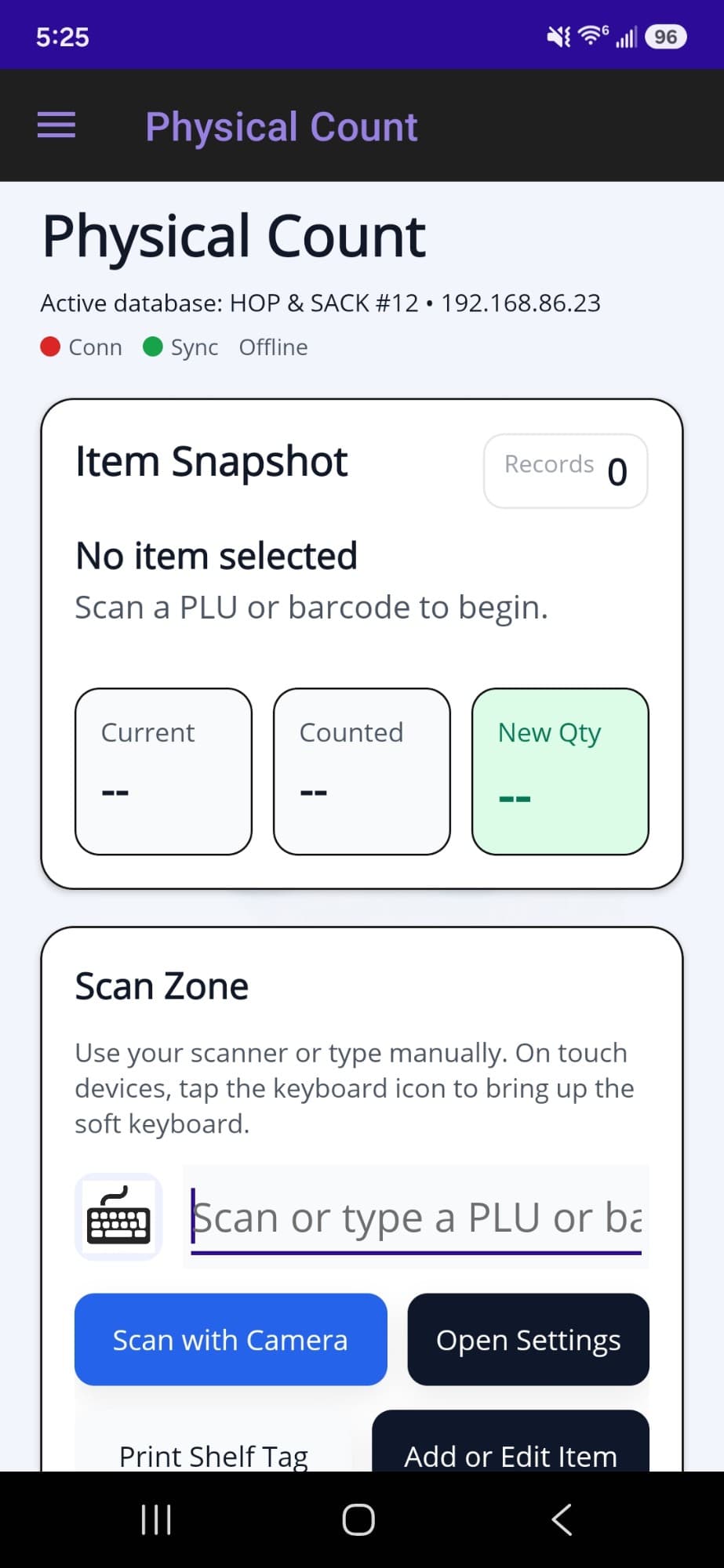
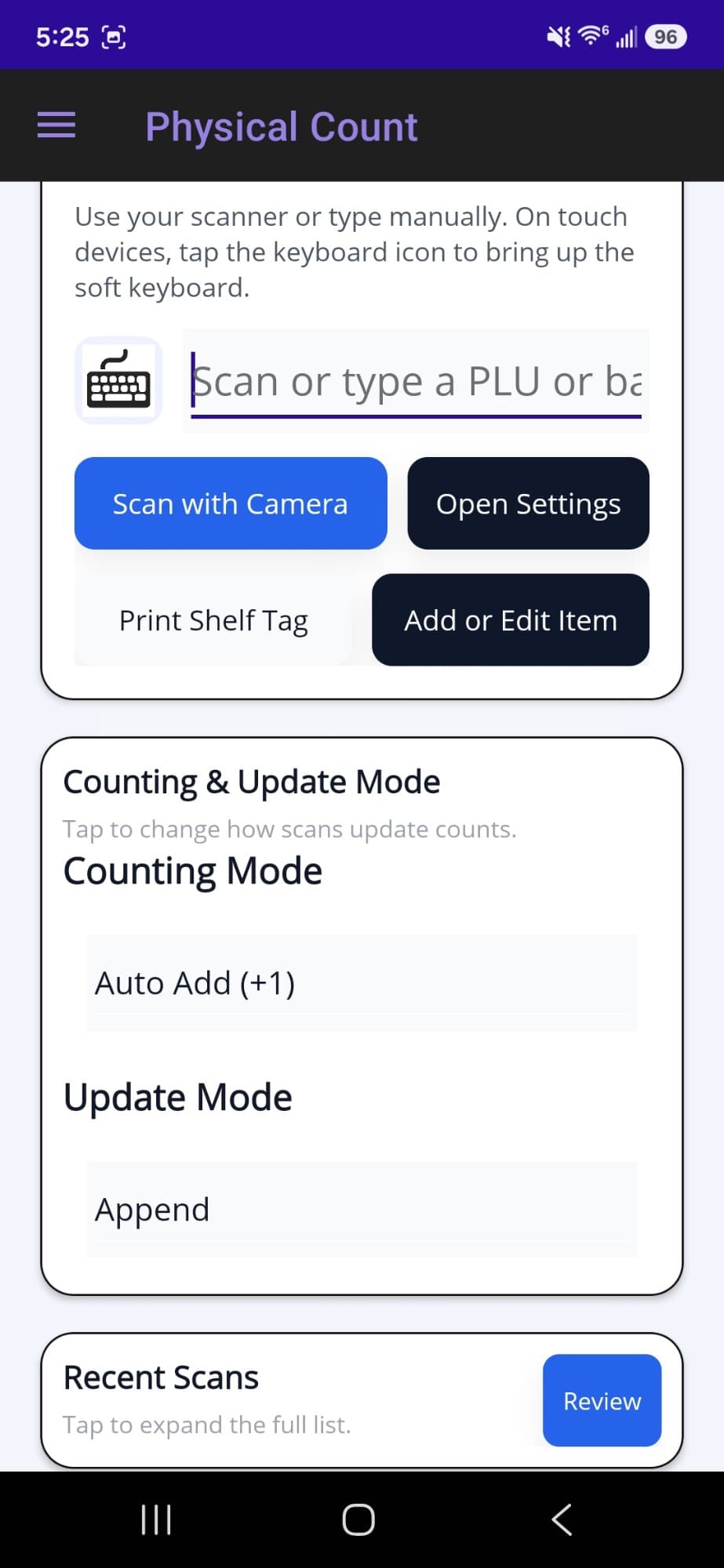
Physical inventory counting. Scan with a hardware scanner, the device camera, or by typing a PLU. Each scan can add one (Auto-Add) or prompt for a quantity. A count either replaces the on-hand quantity or adjusts it up or down. A live snapshot shows the current, counted, and new quantity with a list of recent scans, and a review screen checks every count before it is posted to the POS in one batch. Count reports can be printed or shared, and the last upload is saved for auditing.
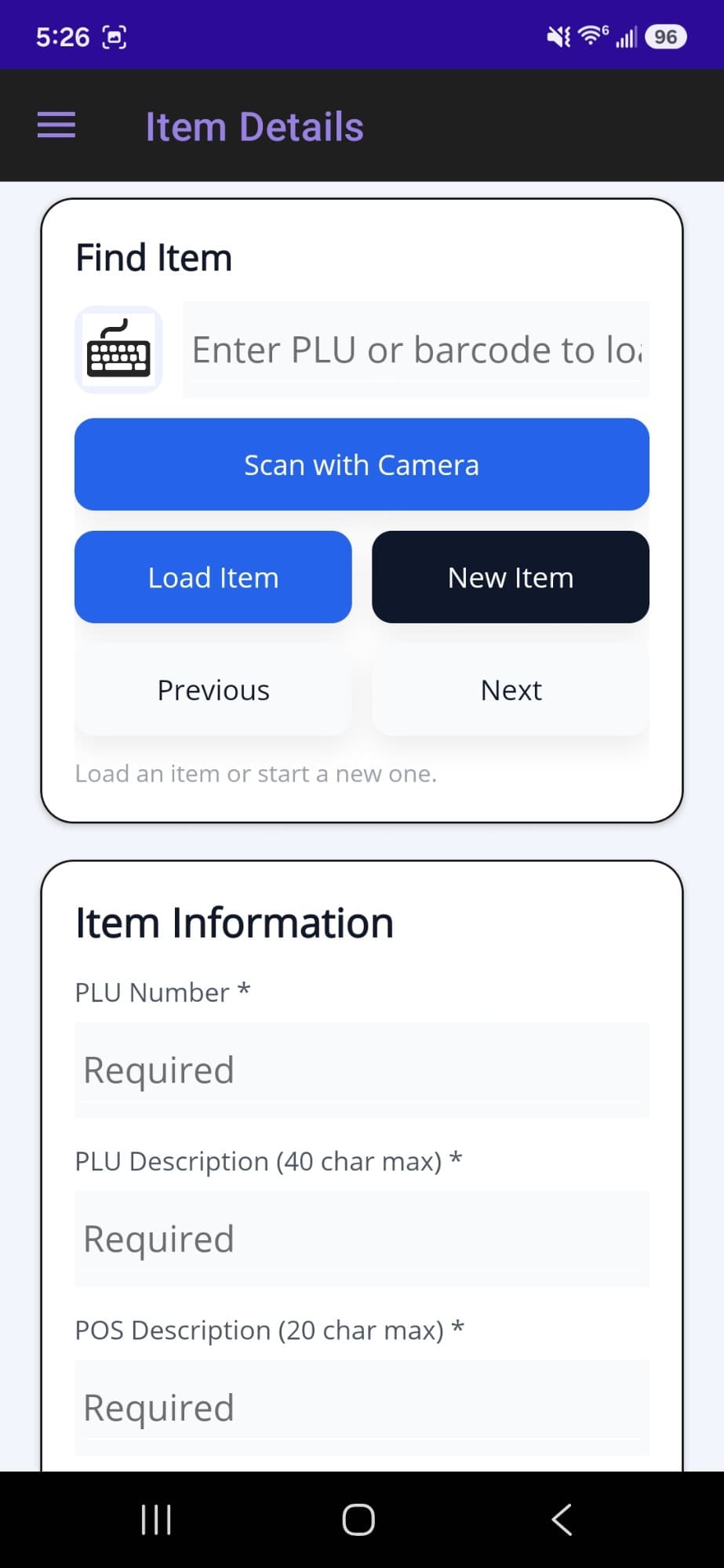
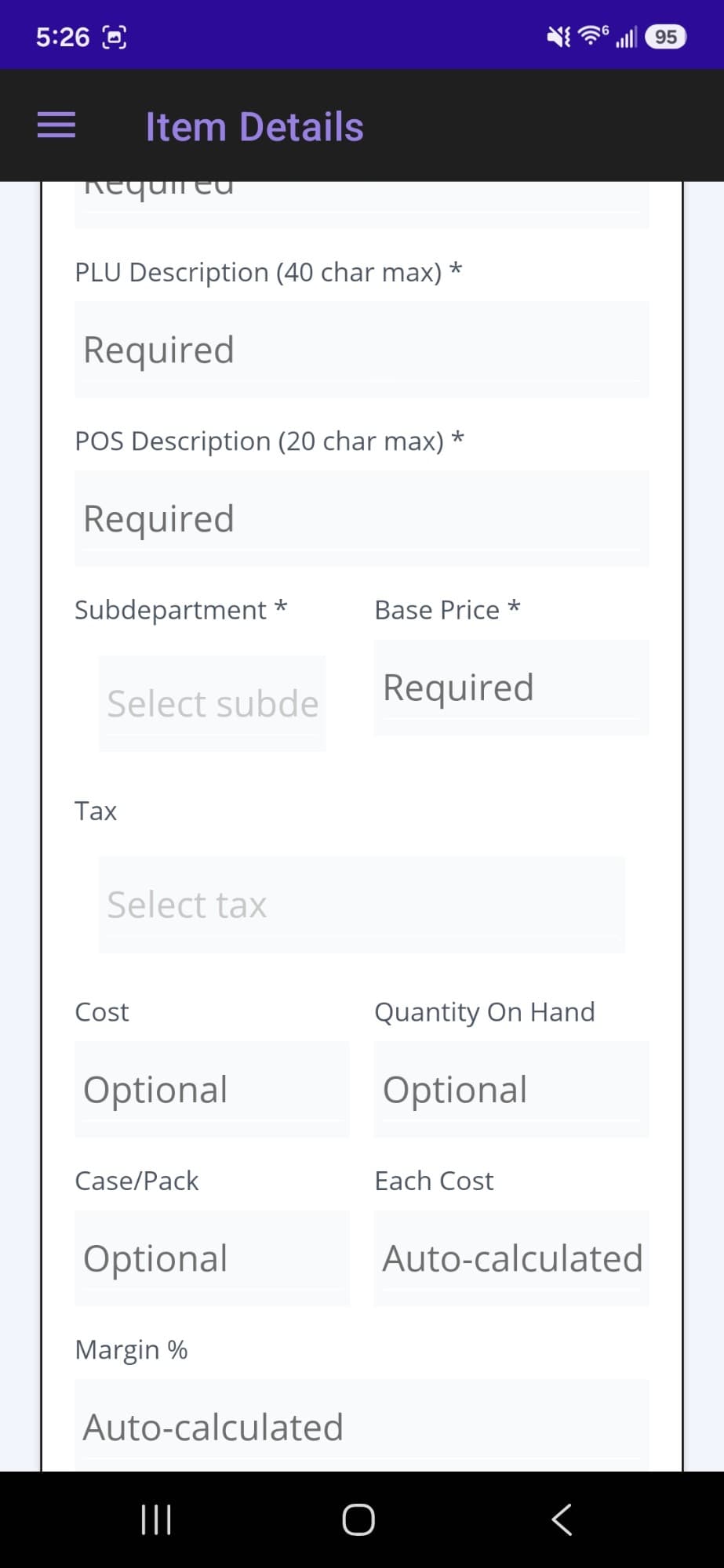
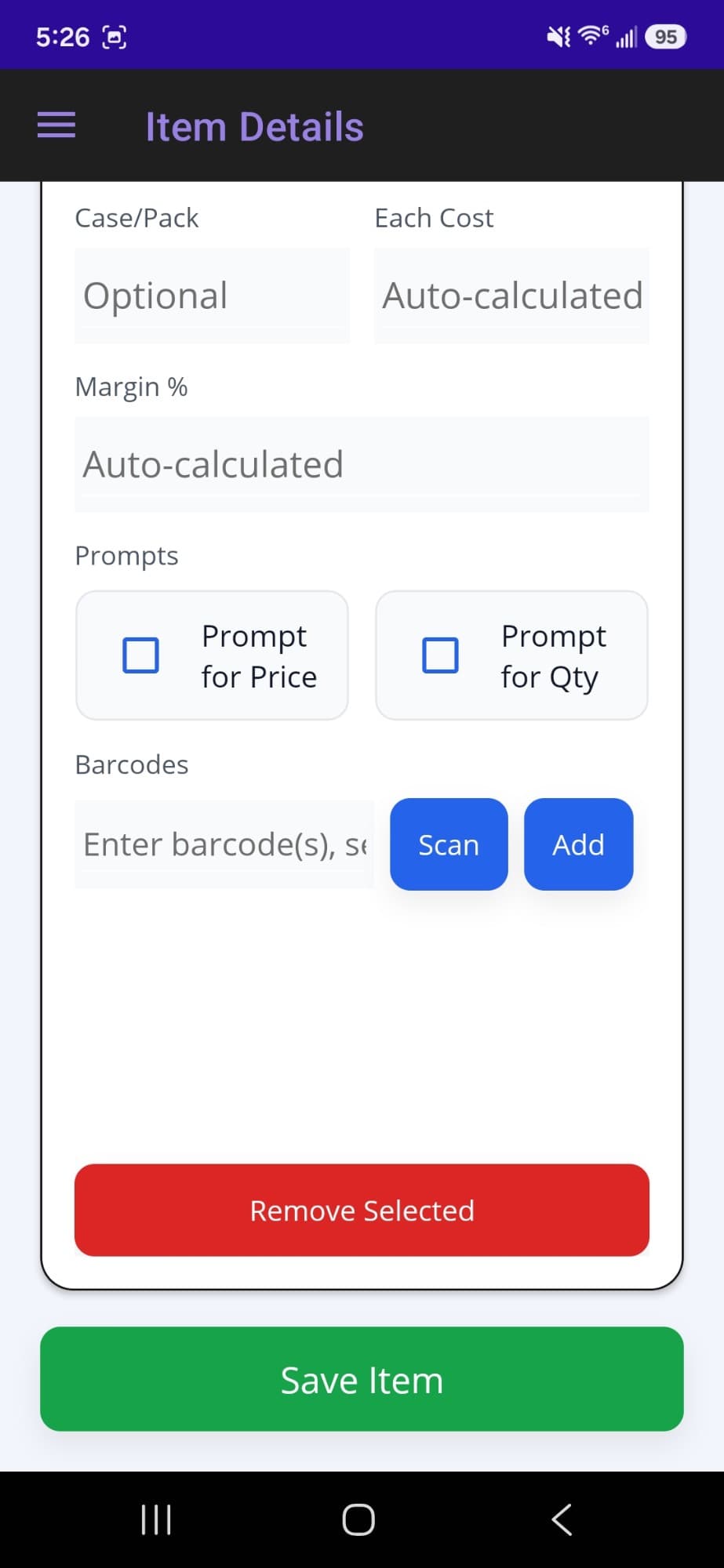
Item management in the aisle. Create or edit items: descriptions, subdepartment, tax, price, cost, case and pack, and prompt flags. Margin and each-cost are calculated from price and case cost. Barcodes can be added, replaced, removed, or assigned in bulk, and UPC-E scans are expanded to UPC-A so they match the PLUs stored in the POS.
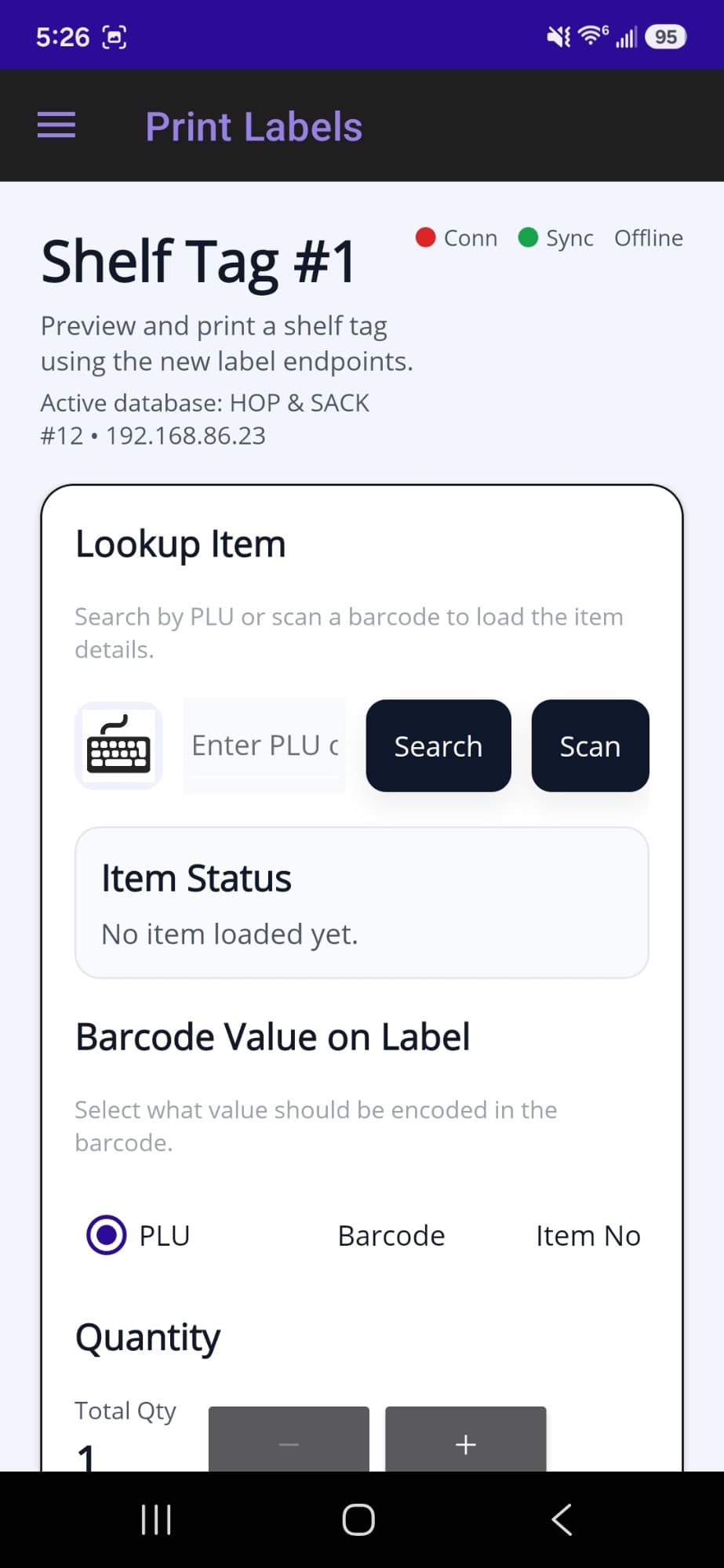
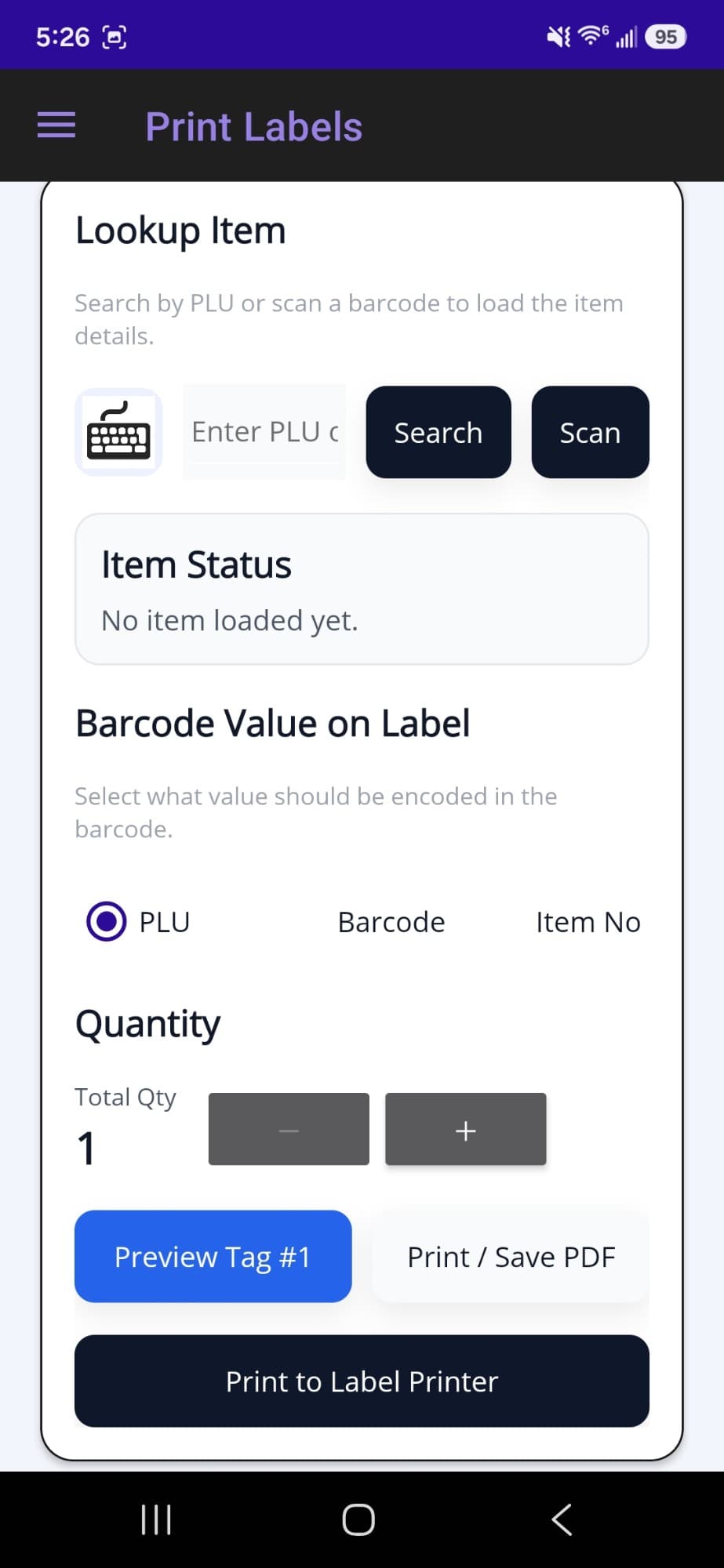
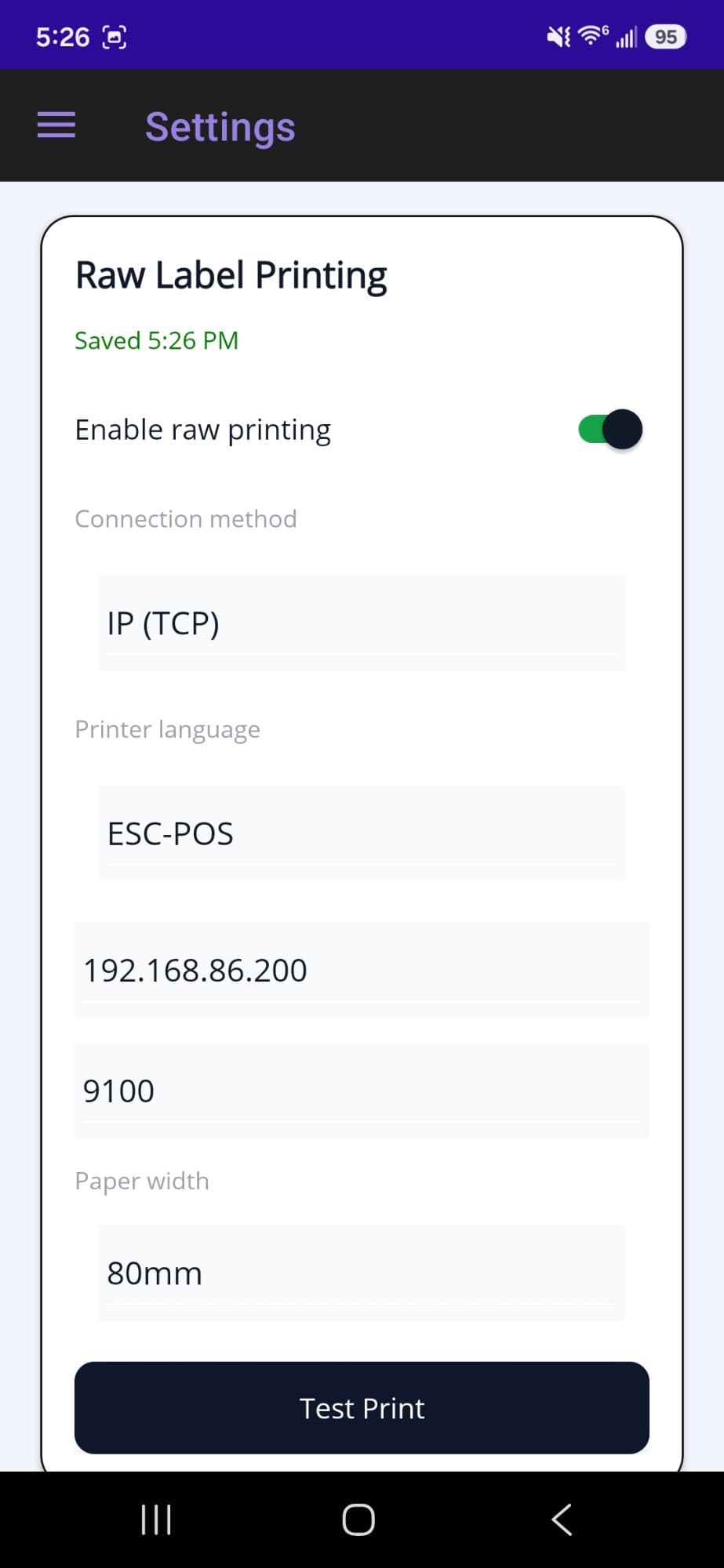
Shelf tags and labels. Look up any item and preview its tag, choosing whether the barcode encodes the PLU, the item barcode, or the item number. Print to PDF, or send labels straight to a printer over Bluetooth, TCP/IP, a serial port, or an installed Windows printer, in CPCL or ESC/POS, at the paper width the store uses.
How it works
The store's database stays where it is. Limitless POS stores its data in a Microsoft Access database on Windows. An ASP.NET Core minimal API reads it directly over OleDb, so there was no migration and nothing changed in the POS. Using C# for both the server and the .NET MAUI client meant one language for the whole system and one codebase for Android handhelds and Windows terminals.
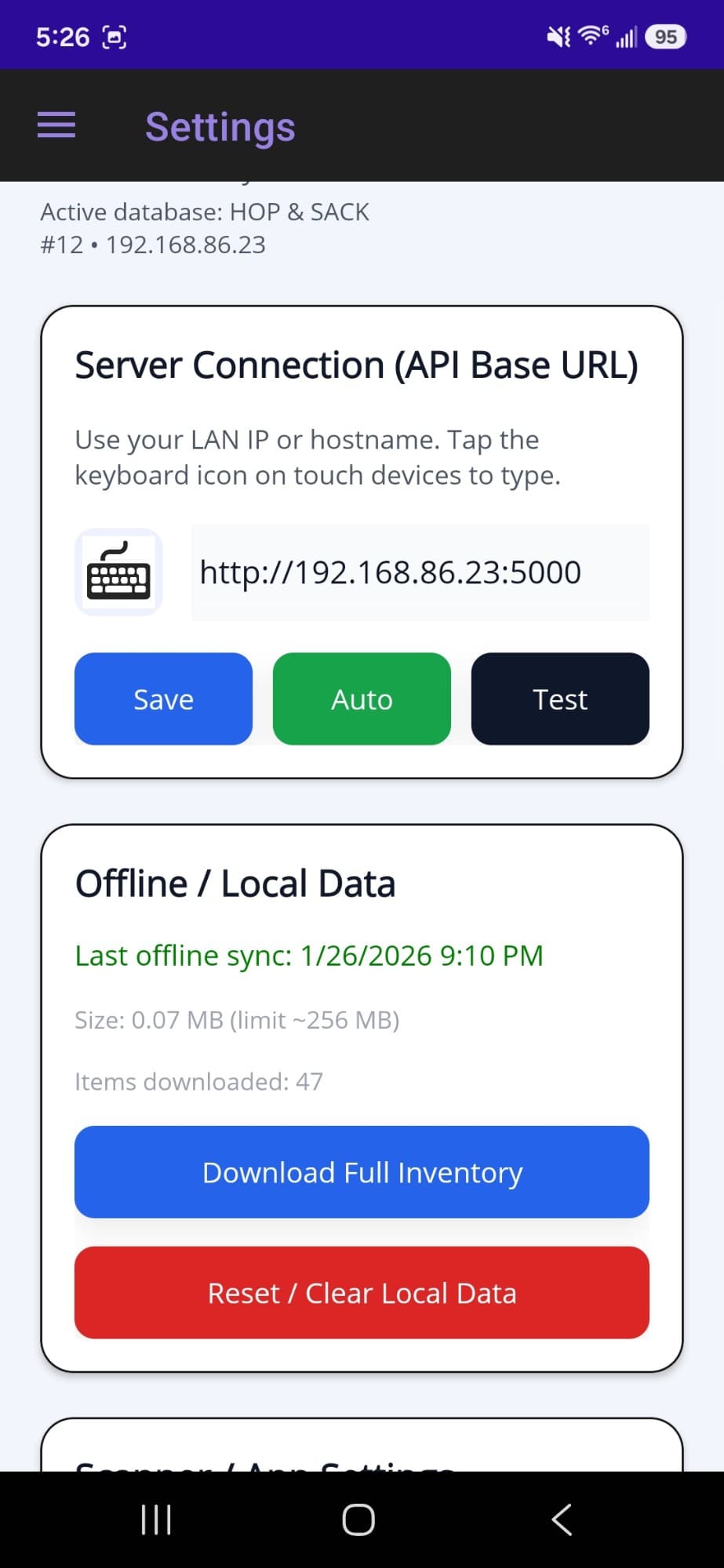
Counting does not wait for Wi-Fi. The app downloads the full inventory into SQLite on the device, so scanning keeps working in the back of the store where the signal drops. Count sessions are saved on the device and survive restarts. A background sync uploads pending counts and item edits once the connection returns, and retries on its own. The app finds the POS server on the local network by itself, so nobody types an address.
Built to be installed by a store, not a developer. The API runs as a Windows service next to Limitless POS, installed by a PowerShell script. A desktop setup tool lets the store admin choose the database, port, and options without editing files. API-key authentication, rate limiting, request size limits, health checks, correlation IDs, and rolling log files are there for the day something goes wrong. Reports are rendered as PDFs on the server from HTML.
Result
Staff count and correct inventory on the floor, with the scanner in hand, and the numbers land in the POS without being typed twice.