DeadBolt
A small Windows app that locks any folder into a single encrypted, password-protected file, and unlocks it with one click or a keyboard shortcut.
- Encrypt-then-MAC with AES-256 and HMAC-SHA-256; passwords stretched with 600,000 PBKDF2 rounds.
- Locks itself on a timer, when you step away, when Windows locks, and on sleep.
- Never overwrites a vault a sync app changed: your edits are saved as a conflict copy.
- Atomic writes, so a crash or power cut never leaves a half-written vault.
The idea
Most ways to hide a folder on Windows are either a setting anyone can turn off or a full disk
encryption tool that is more than most people need. DeadBolt sits in between: pick a folder, set a
password, and it becomes one encrypted .deadbolt file. Unlock it and the files open in File
Explorer. Lock it again and every change is encrypted back into the vault.
What I built
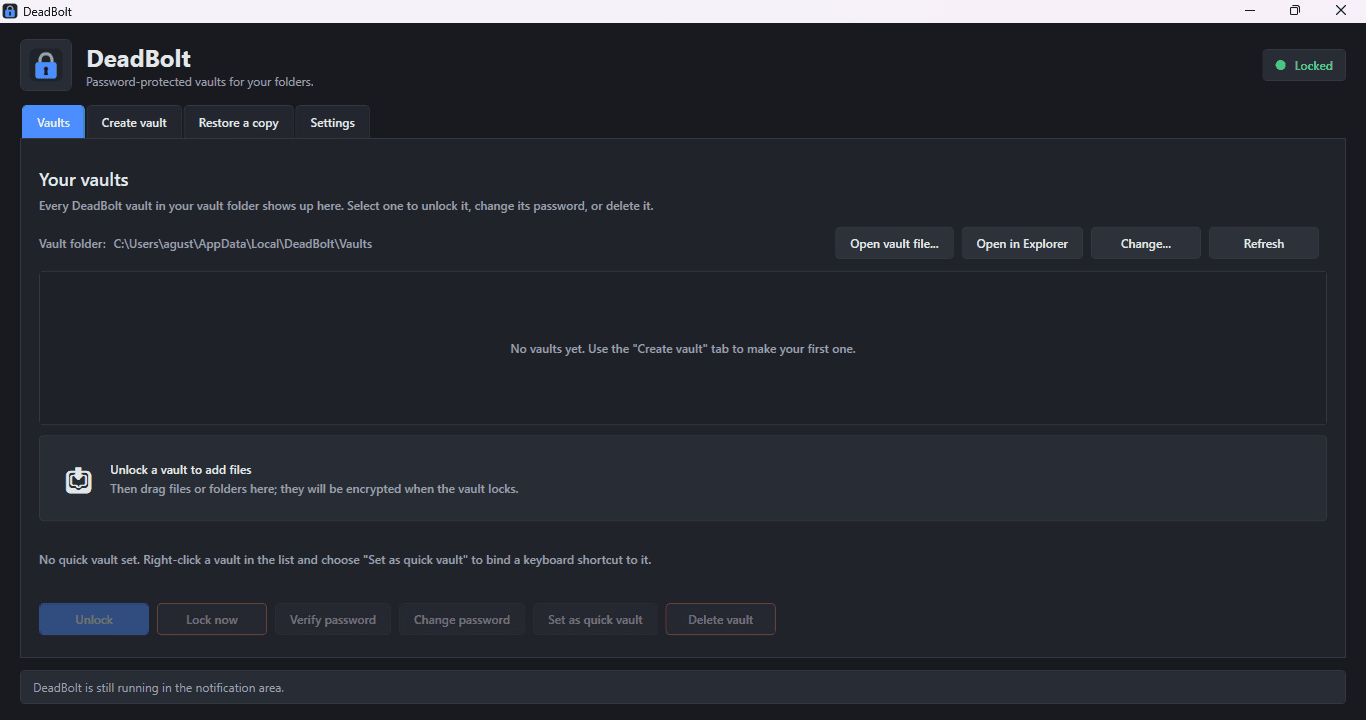
A tray app for Windows 10 and 11 with an installer that needs no administrator rights and nothing else installed first.
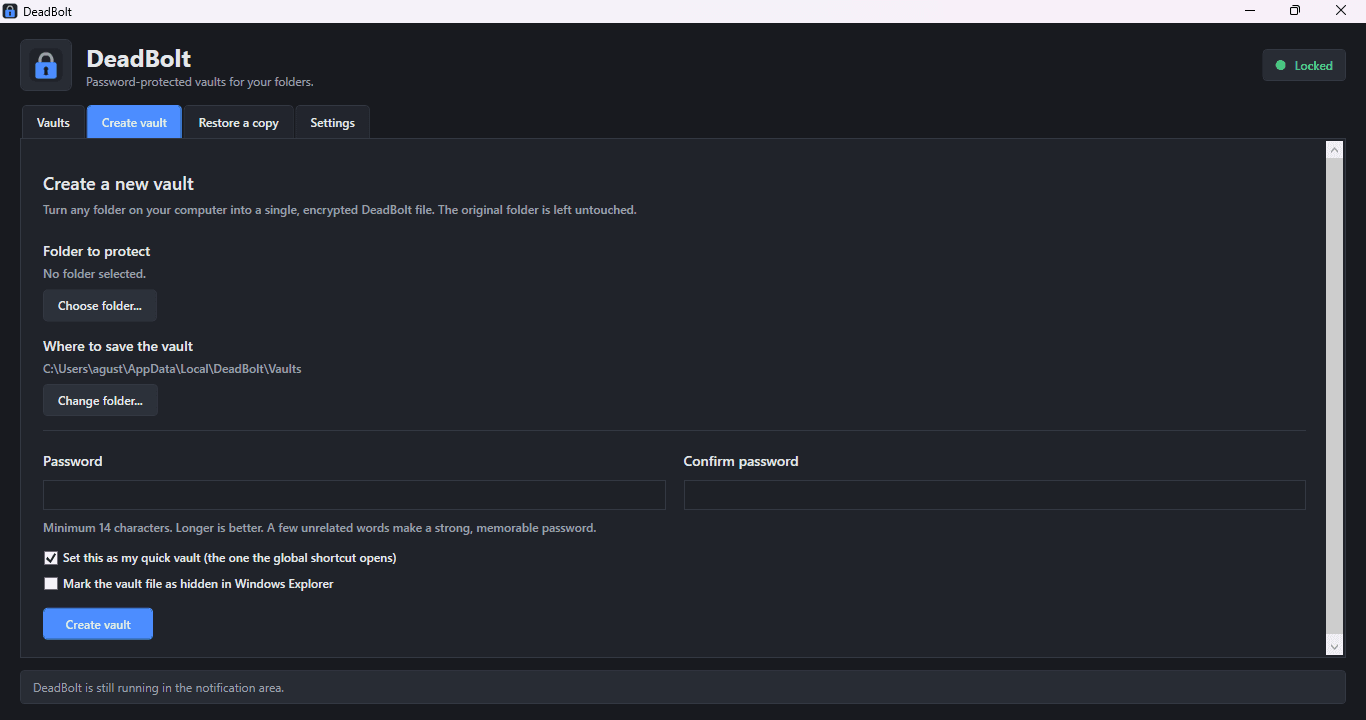
- Vaults in a few clicks. Choose a folder and a password, with a live strength meter, and the
vault is made. The original folder is never touched. Double-click any
.deadboltfile to open it, or drag files onto the window to add them to an unlocked vault. - Always a keystroke away. DeadBolt lives in the notification area. Ctrl+Alt+Shift+V unlocks or locks a quick vault, and Ctrl+Alt+Shift+L is an emergency lock that never asks a question. Both shortcuts can be changed.
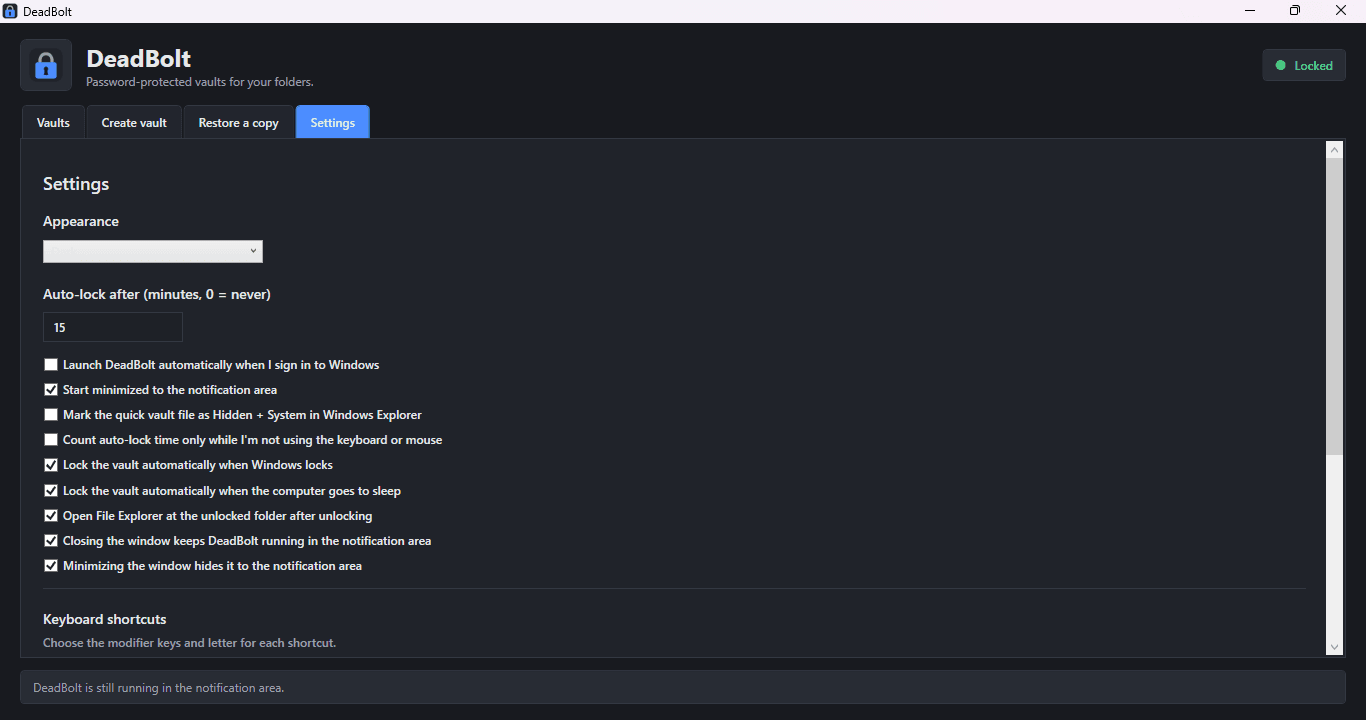
- Locks without being asked. An auto-lock timer (15 minutes by default) warns a minute before it fires, an optional idle timer counts only the time you are away, and vaults lock when Windows locks, sleeps, signs out, or shuts down.
- The careful extras. Verify a password without unlocking anything, export a plain copy for backup, change a password with the old vault kept until the new one is fully written, and delete to the Recycle Bin so a mistake can be undone. Dark and light themes, launch at sign-in, and an option to mark the quick vault Hidden and System.
How it works
Encryption that is checked before it is trusted. Vaults use AES-256 with an HMAC-SHA-256 over the ciphertext (encrypt-then-MAC), so a tampered or corrupted vault is refused instead of decrypted into garbage. Passwords go through PBKDF2-SHA-256 with 600,000 iterations, which makes each guess slow. Creating, locking, and changing a password write no plaintext temporary files.
Writes that cannot half-finish. A vault is written beside the old one and swapped in atomically, so a crash or a power cut leaves either the old vault or the new one, never a broken mix. Interrupted sessions are recovered on the next start, and an audit log records vault activity.
Safe next to cloud sync. If OneDrive, Dropbox, or another sync app changes a vault while it is unlocked, DeadBolt does not overwrite it on lock. Your changes are saved alongside as a separate conflict copy, so neither side is lost.
One copy at a time. DeadBolt runs as a single instance. Opening a vault file while it is already running hands the request to the running copy instead of starting a second one.
Try it
DeadBolt is free to download from the downloads page. Run DeadBoltSetup.exe, choose your
shortcuts and the .deadbolt file association, and finish with "Start DeadBolt now" ticked. The
installer is not code-signed yet, so if Windows says it protected your PC, choose More info,
then Run anyway.
Honest limits
There is no password recovery: a forgotten password means the data is gone, so DeadBolt asks for at least 14 characters and suggests a passphrase. While a vault is unlocked its files are ordinary files on disk. DeadBolt protects files at rest; it cannot protect against malware, a keylogger, or someone using the PC while a vault is open. It has not been independently audited, so keep a separate backup of anything important and test a new vault before deleting the original folder.